 Client Intake
Automated legal intake: how the finished file reaches Lead Docket, Litify or Salesforce
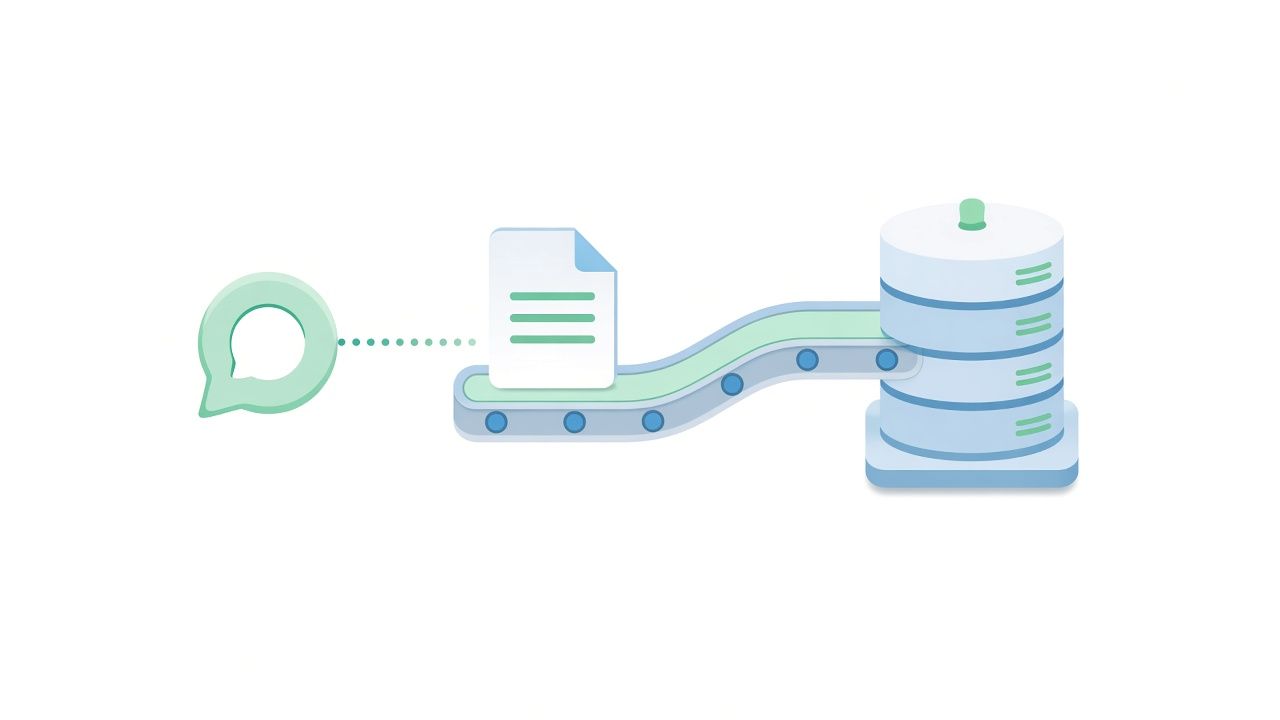
Automated legal intake has two halves. The visible half is the conversation. The half that saves the intake team's morning is the handoff: the finished file landing in the system the firm already runs, with nothing to retype.
Alongside your platform, not instead of it
Workup Agent is the front door. Your CRM or case management system is the house. The file goes to your intake team by email in every case and, where connected, into Lead Docket, Litify, Salesforce and others, with the conversation attached. Micronetbd implements Litify, Filevine and Salesforce for law firms, so the handoff is built by people who know the other side.
What arrives
The contact block, verified by confirming the email before routing. The practice area and your questionnaire answers in your order. The acceptance criteria result and any urgency flag. The summary and the transcript. Routing rules decide the owner; urgent files page someone.
Phone and website, one file format
The caller who reaches your line after four rings and the visitor who types on your site get the same intake, and your team gets the same file. Firms that measure it find the two are often the same person trying two doors; one file format means no duplicate leads and no lost one.
Pricing shape
One flat monthly plan, not per seat, per lead or per minute, so the cost does not rise with a good month. Ask for the current plans on the walkthrough and bring your questionnaire; we will show you the conversation, the file and the routing in thirty minutes.
Both reach the AI receptionist itself, any hour. Or leave your number with the assistant in the corner of this page and a person from Micronetbd calls you back within one business day.
See the intake it would run for your firm
Bring your questionnaire. We will show you the conversation, the file and the routing in thirty minutes.